WordPress websites are becoming increasingly complex each year. We incorporate numerous plugins and custom code, and now various AI elements are being added.
It’s risky to implement these features on a live site without thorough testing. Therefore, having a staging site is essential to ensure everything functions correctly. This allows you to identify bugs before they affect users and experiment with new features.
A staging site is essentially a duplicate of your live website hosted elsewhere. Examples include a separate installation on your web host or a local setup. The content doesn’t have to be identical, but the site’s theme and plugins should be included for an accurate comparison.
This guide will explain how staging sites work, methods to implement them, and tools to build them. Soon, you’ll have everything needed to create an ideal testing environment.
backup plugin to copy your live site and import it locally.
Here are some tools for building a local staging environment:
Studio
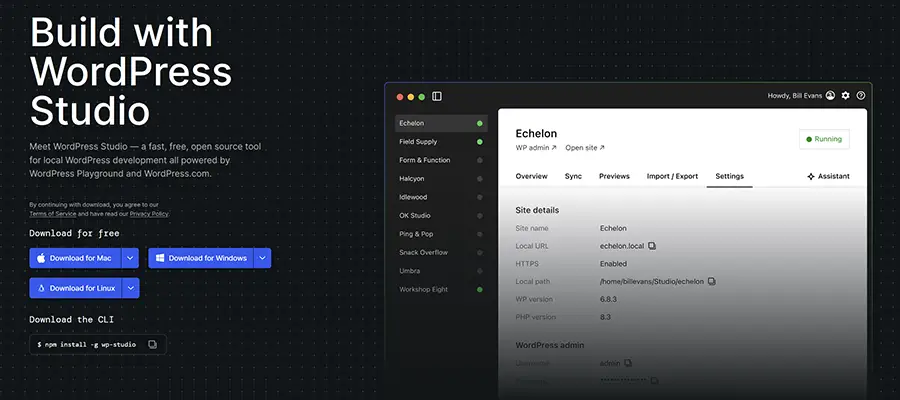
Studio is a free, open-source local development environment from WordPress.com. It uses WordPress Playground to create sites on demand without dependencies. If you use WordPress.com or Pressable, you can sync your local sites.
Local
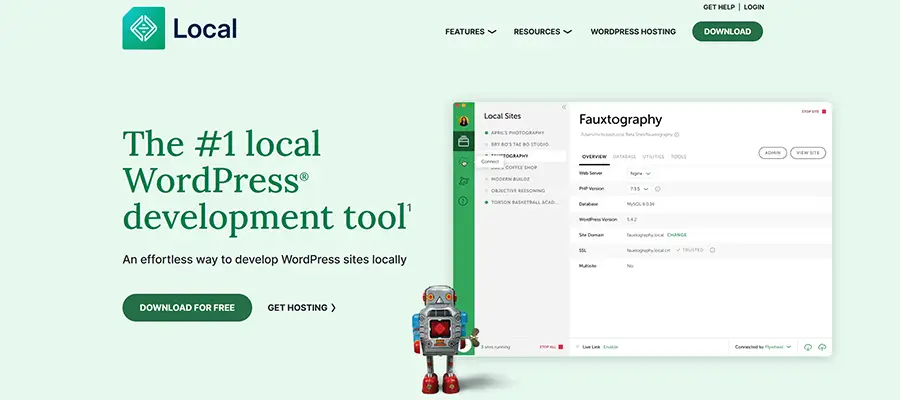
Local offers one-click WordPress installations and other features. Manage sites via SSH or WP-CLI, create live links to share, and test PHP versions. It syncs with sites hosted on Flywheel and WP Engine.