From afar, forms might seem like one of the dullest features on a website. They are essential, but they serve a purely functional purpose. Gravity Forms challenges this notion.
This plugin redefines the stereotype. By installing Gravity Forms, you can create a basic contact form, but also polls, multi-step surveys, user registration systems, and even sell products. The possibilities are extensive.
The core plugin is packed with functionality, but the growing array of free and paid add-ons turns a form into a versatile tool for your WordPress site. The potential might surprise you.
With this in mind, we’ve compiled a list of top add-ons for Gravity Forms, showcasing a variety of niche applications from diverse developers. Let’s explore new ways to utilize forms!
We begin with form security, a crucial aspect. Gravity Forms Zero Spam effortlessly shields your form from bots and other nuisances. Just activate the plugin, and you’re set.
The plugin offers options for handling entries marked as spam (delete them or move them to a spam folder) and whether to receive periodic spam summaries. It’s a quick way to gain peace of mind.
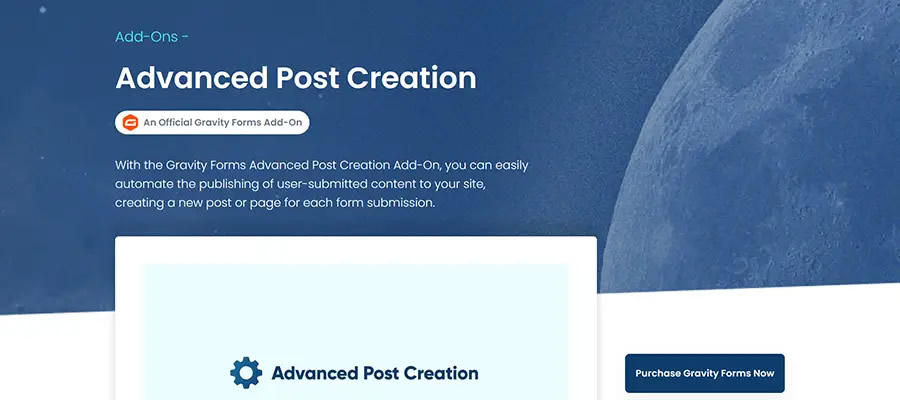
This add-on, included with certain Gravity Forms licenses, automates the publication of user-submitted content. You can map form fields to WordPress post titles, content, and other custom data points. Users can even upload files for featured images.
Best of all, you control the entire process. For instance, you can manually review posts before publishing, allow users to edit their posts on the front end, or password-protect submitted posts. It also supports third-party post types from WooCommerce, The Events Calendar, and more.
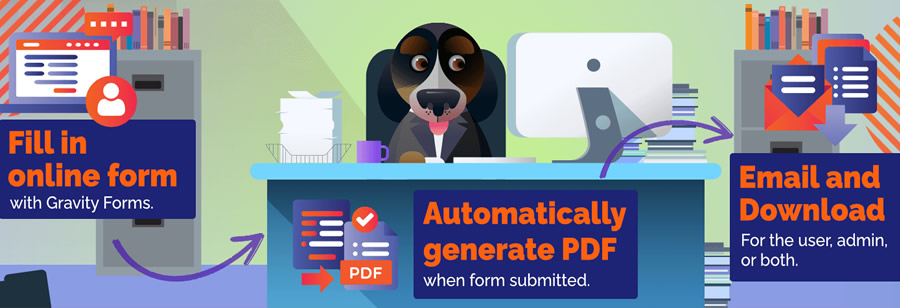
Use Gravity PDF to convert your form entries into custom PDF files that can be attached to form notifications. It’s ideal for creating printable invoices, gift certificates, or any document that needs archiving.
The free version of the plugin includes features for customizing the appearance of your PDF (add your logo or fonts), while the commercial version offers more design options and on-screen previews.
This plugin targets power users. Power Boost for Gravity Forms adds a range of useful features, including a “last entry” column in your form list, support for merge tags in HTML fields, the ability to resend feeds, and a “copy shortcode” link.
You can also replace a form by uploading a JSON file. In short, numerous small enhancements add up to greater convenience.
Gravity Forms Encrypted Fields helps you manage and secure sensitive user information. This commercial plugin encrypts selected fields while keeping their contents visible to approved users. Others will see your custom “restricted data” message.
You can choose from several encryption types and decide which fields to protect.